
Consultation Hotline
+1 (302) 618-8777
+1 (302) 618-8777
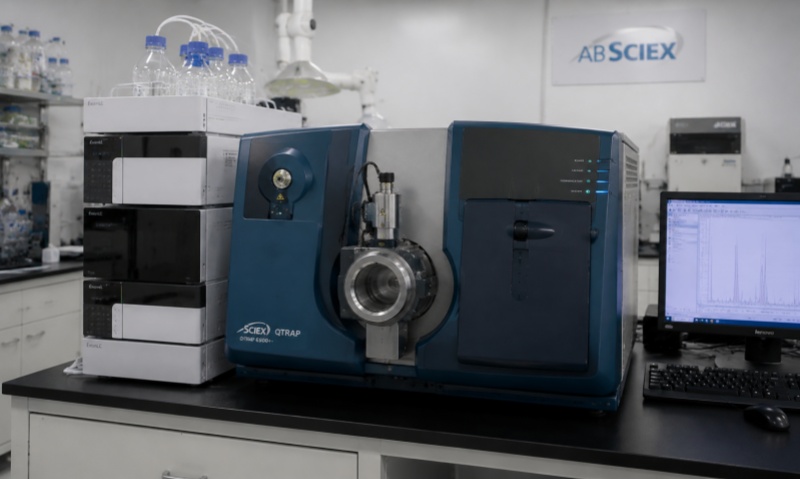
Microplate readers, also known as ELISA readers, are essential analytical instruments widely used in clinical diagnostics, biotechnology, pharmaceutical research, food safety, and life science laboratories. They measure absorbance, fluorescence, or luminescence signals from microplates to provide quantitative analysis of biological samples. Due to their high sensitivity and precision, proper operation and maintenance are critical for ensuring reliable experimental results. However, various failures may occur during daily use. Understanding common problems and solutions can help improve instrument performance and extend service life.
One of the most common issues is that the microplate reader cannot start or suddenly shuts down during operation. Possible causes include unstable power supply, damaged power cables, faulty internal power modules, or system software errors.
Solutions:
First, check whether the power cable is properly connected and confirm that the laboratory power supply is stable. Restart the instrument after several minutes. If the problem continues, inspect the fuse, power module, and internal electrical components. Software errors can often be resolved by restarting the control computer or reinstalling the instrument software. For serious electrical failures, professional maintenance is recommended.
Inaccurate readings are another frequent problem. The causes may include dirty optical components, incorrect calibration, reagent problems, or improper sample preparation.
Solutions:
Operators should regularly clean the optical window, light source, and plate carrier to prevent dust or residue accumulation. Calibration should be performed according to the manufacturer’s instructions. Check reagent quality, storage conditions, and expiration dates. Ensure that samples are evenly distributed in wells and avoid bubbles that may affect optical measurement.
Sometimes the instrument cannot correctly identify or move the microplate, resulting in measurement failure. This may be caused by mechanical wear, incorrect plate placement, or damage to the plate transport system.
Solutions:
Make sure the microplate is installed correctly according to the instrument guide. Clean the plate tray and positioning components regularly. If abnormal noise or movement occurs, inspect the motor, belts, and sensors. Replace damaged mechanical parts if necessary.
Communication failures between the microplate reader and computer may prevent data transfer or instrument control. Common causes include incorrect software settings, damaged communication cables, or outdated drivers.
Solutions:
Check USB, Ethernet, or other communication connections. Restart both the instrument and computer. Verify that the correct software version and drivers are installed. Regular software updates can improve system stability and compatibility.
For fluorescence and luminescence microplate readers, reduced sensitivity may occur due to aging lamps, LED degradation, or optical contamination.
Solutions:
Replace the light source according to the recommended service interval. Clean optical components carefully using appropriate materials. Perform optical calibration after maintenance to restore measurement accuracy.
To reduce failures, users should establish a regular maintenance program, including cleaning the instrument, checking calibration, updating software, and recording operating conditions. Avoid placing the instrument in environments with excessive humidity, vibration, or temperature fluctuations.
In conclusion, most microplate reader failures can be prevented through correct operation and routine maintenance. Timely troubleshooting of power, optical, mechanical, and software problems ensures accurate analysis results and improves laboratory efficiency.